
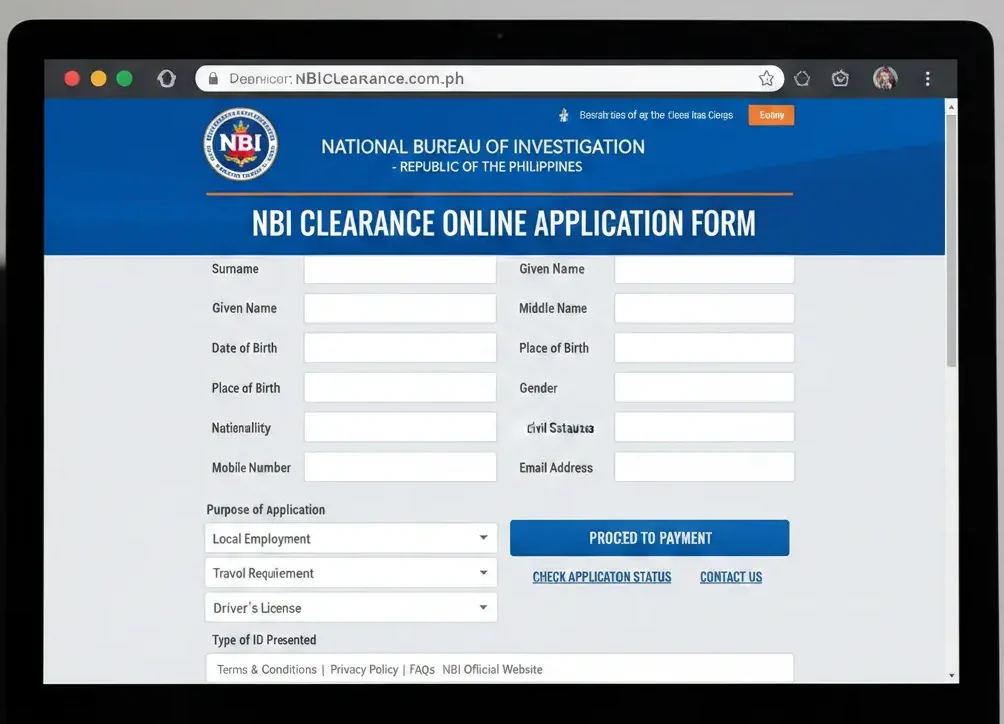
Why You Need to Save Your NBI Clearance Application Form
Before we learn the steps let’s see why saving the form is important:
-
Proof of Registration: The form shows that you really finished the online process.
-
Needed at the NBI Office: You must bring a printed copy when you go for your appointment.
-
Has Your Reference Number: This number is used for payment and to check your status.
-
Saves Time: If you don’t save it, you might have to do the whole application again.
In short without the saved form your NBI application will not go smoothly.
Step-By-Step Guide: How To Save NBI Clearance Online Application Form
Follow these steps so you don’t lose your NBI application form:
Step 1: Complete the Online Application Form
-
Visit the official NBI Clearance Online System.
-
Log in or register for a new account.
-
Fill in all required personal information carefully.
-
Double-check spellings and details before proceeding.

Step 2: Generate Your Reference Number
After completing the form:
-
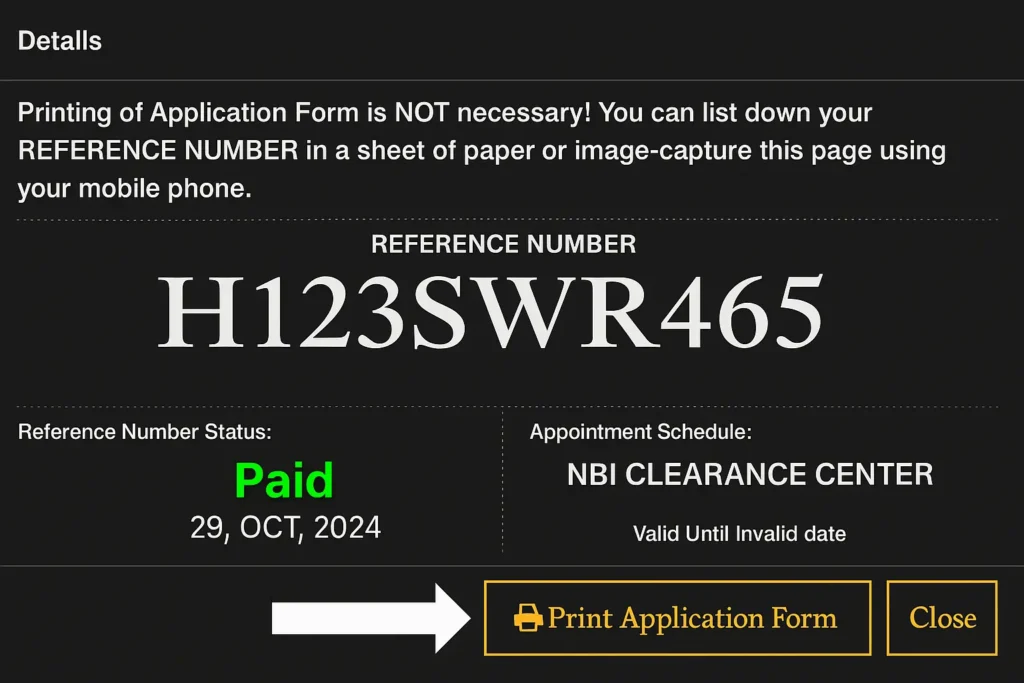
The system will generate a unique NBI reference number.
-
This reference number confirms that your application is recorded.
Step 3: Save the Application Form Using These Methods
You can save your NBI Clearance application form in multiple ways:
Option 1: Download as PDF
-
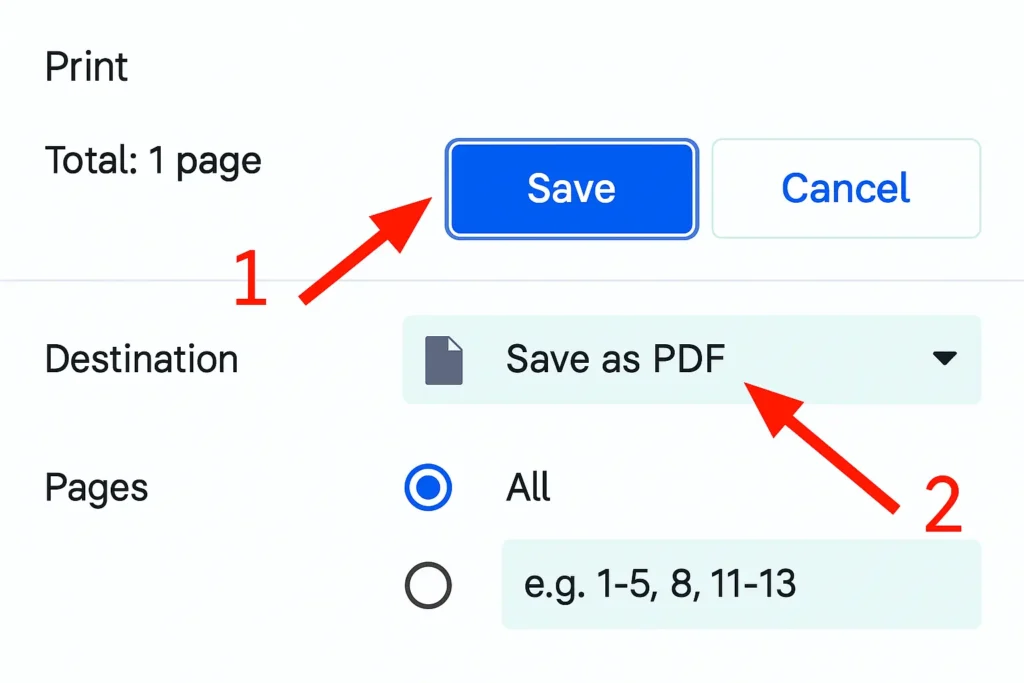
Click the Print Application Form option.
-
Choose Save as PDF.
-
Store it on your phone or computer.
Option 2: Take Screenshots
-
Screenshot the application summary page.
-
Make sure the reference number is clearly visible.
Option 3: Print a Hard Copy
-
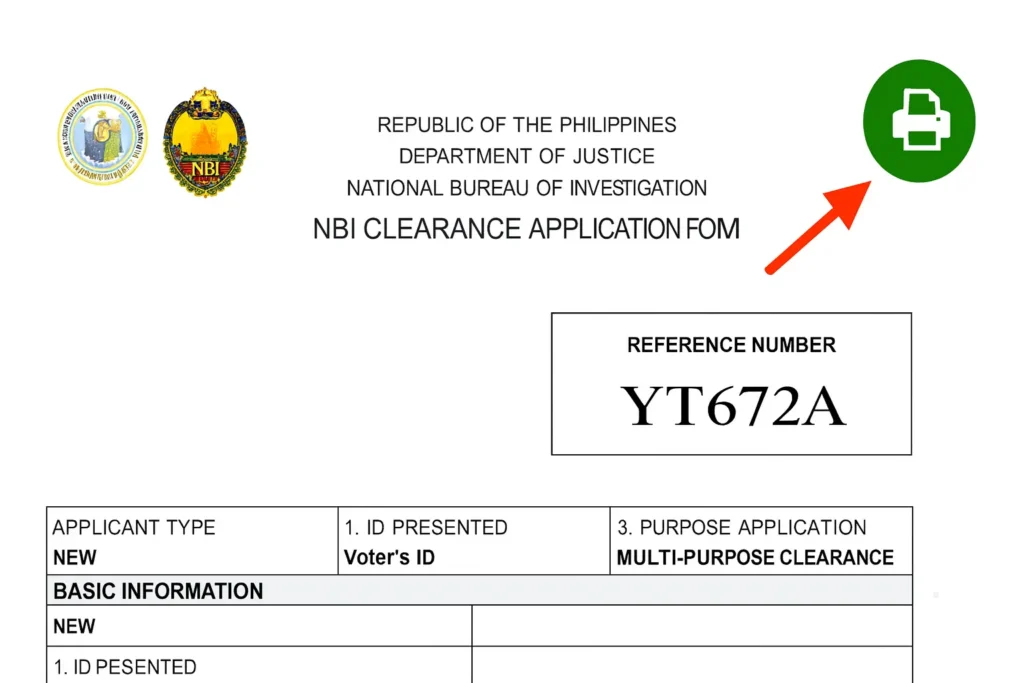
Print the application form.
-
Keep it in a safe folder.
Option 4: Save Reference Number Separately
-
Write down the reference number in notes.
-
Save it in email or cloud storage.
Important: The system will only give you your official application form with a special reference number after you confirm your appointment and NBI payment.
What to Do If You Lose Your NBI Application Form
If you forgot to save your form, don’t worry you can still get it back:
-
Go to the official NBI Clearance website.
-
Log in with your email and password.
-
On the dashboard, click the “Transactions” tab.
-
Find your recent application and click “Print Application Form.”
This will show your form again so you can save or print it.
Read More about: What Is The Requirements For NBI CLEARANCE Online
Conclusion
An online application form is easy and vital to save your NBI clearance. If you follow the steps above you can save your form in a convenient way. Remember to create a backup, keep it safe, and always have a printed copy with you to avoid any delay.
FAQs
Can I save the NBI Clearance application form after submitting it?
Yes! After you submit your application you can download it as a PDF or take a screenshot. You can also log in later to get the form again.
Do I need a printed copy of the NBI application form?
Yes. The NBI office usually asks for a printed copy along with your ID and payment receipt. It is also good to keep a digital copy for backup.
What should I do if I lost my reference number?
If you lose your reference number log in to your NBI account and go to the “Transactions” tab and reprint your application form. Your reference number will be on it.
What is the use of NBI clearance?
The NBI clearance clarifies that a particular person has no criminal record and it is often required for employment and other legal work.
How long does it take to process an NBI clearance?
If there are no hits which means you have any similar name with other person in your application, your NBI clearance can be done on the same day of your appointment.
What should I bring to my NBI appointment?
When you go to the office on your appointment, bring the following
Your appointment form it may be printed or saved on the phone
A valid ID
Your old NBI clearance, if you have it
Payment proof or transaction receipt
