Many people create an NBI online account for clearance application but later want to remove it. If you are no longer using your account, changing personal details or created multiple accounts by mistake. You may want to know how to delete NBI account properly.
What Is an NBI Online Account?
An NBI online account is required to apply for an NBI Clearance in the Philippines. It stores your personal information, appointment records and payment history.
You need this account for:
-
New NBI clearance application.
-
Renewal of NBI clearance.
-
Online appointment scheduling.
-
Accessing clearance status.
Why You Might Want to Delete Your NBI Account
There are several valid reasons why users look for delete NBI account online.
Common Reasons Include:
-
You created multiple NBI accounts by mistake.
-
Incorrect personal information during registration.
-
You no longer need NBI services.
-
Privacy or data security concerns.
-
Trouble logging in and want a fresh account.
-
Account linked to an old or inactive email address.
Tip: Check that you don’t have any appointments before deleting your account. it is also for the NBI Foreigners Online Registration.
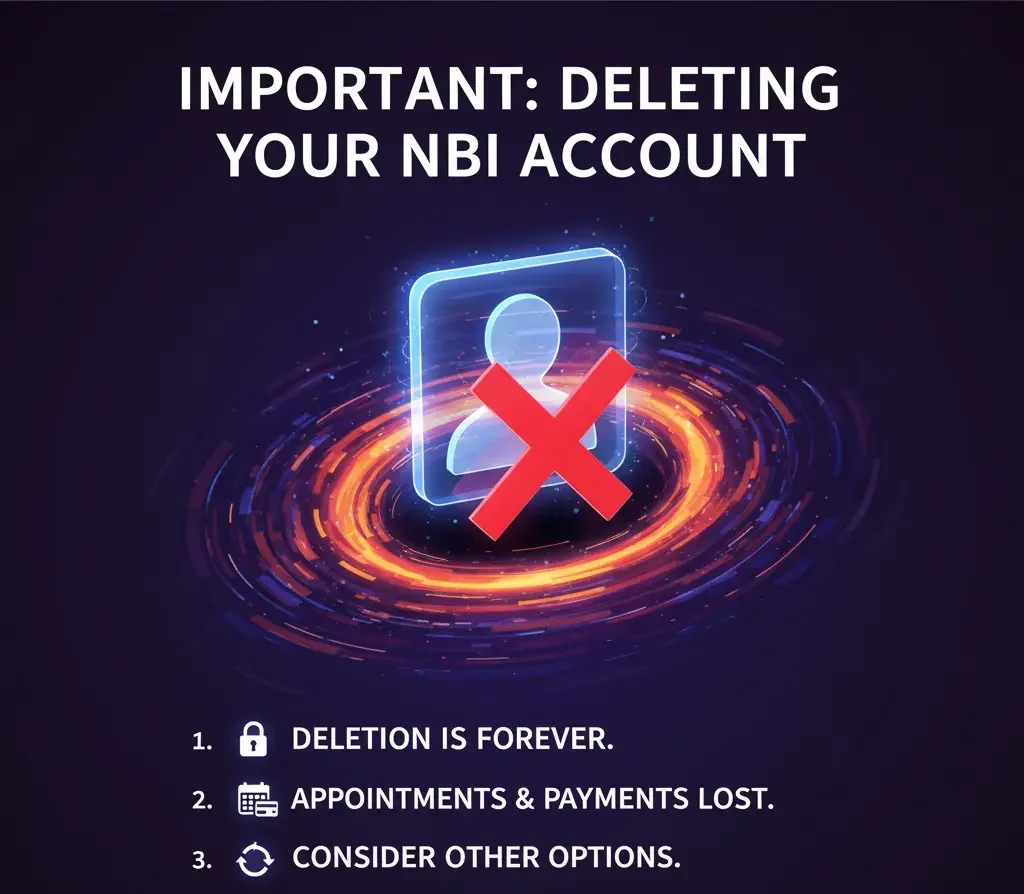
Step-by-Step Guide How to Delete NBI Account Online
Right now you can not delete your NBI account directly on the website. You need to contact the NBI support team. Here is how to do it:
1. Get Your Account Details Ready
-
Write down the email you used to register.
-
Have your full name and contact number ready.
-
Think about why you want to delete the account Like duplicate account, wrong info, privacy, etc.
2. Contact NBI Support
-
Email: nbi.clearance.helpdesk@gmail.com or the official email on the NBI website.
-
You can also call the NBI hotline or send a message on their official social media pages.
Include in your message:
-
Your full name and email linked to the account
-
Reason for deleting the account
-
Any details about appointments or payments if you have them
3. Wait for Their Response
The NBI team will check your request. They may ask for:
-
A valid ID Like passport, driver’s license or any government ID
-
Proof that the account belongs to you like email verification, old application form or reference number
Once they confirm they will delete your account and send you an email to let you know. It is also essential to follow the Refund NBI Payment process for any fees.
4. Check if Your Account is Deleted
After you get the confirmation email try logging into the account. If deletion worked you won’t be able to log in anymore.

